
Understand rates, fees and order limits
Use the current offer and account details without relying on copied banking policies.
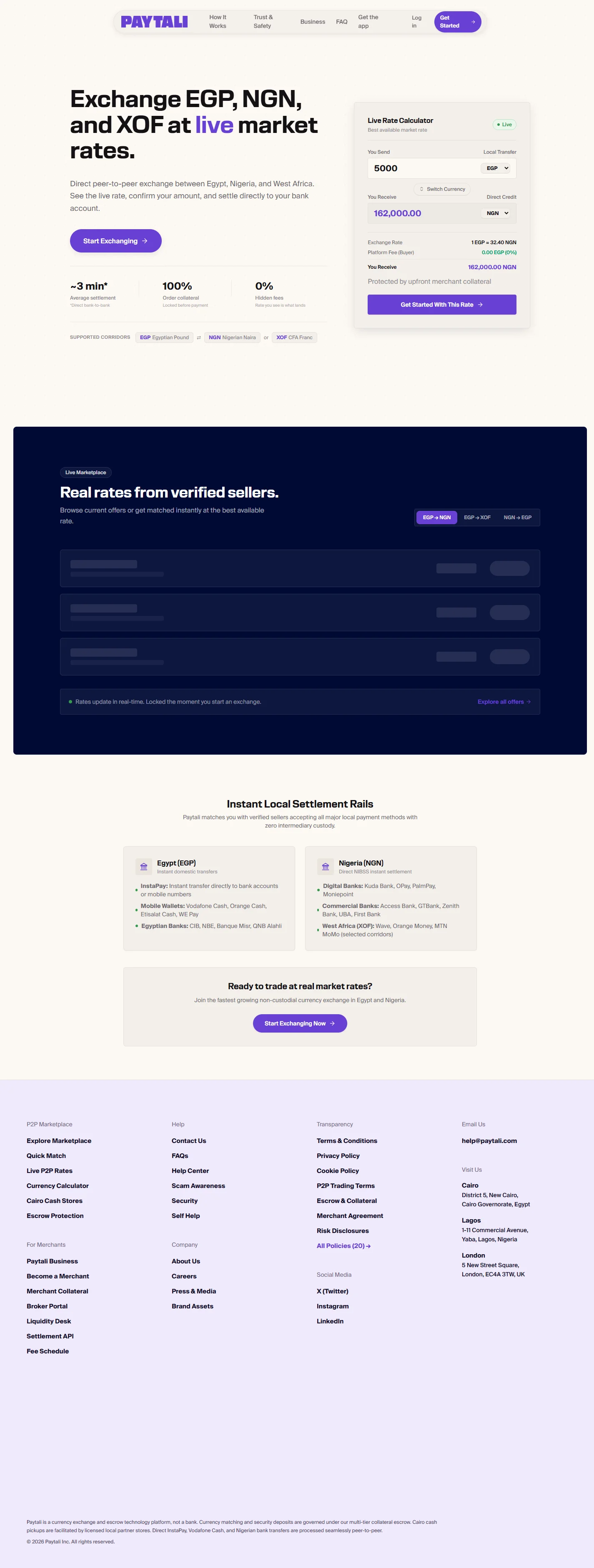
Each offer has a rate and an amount range. Your account, wallet availability and the merchant’s current capacity can also affect whether an order is accepted. There is no universal limit or fee table verified by this Help Center.

Check before confirming
- Choose the correct corridor and direction. Check which currency the amount field uses.
- Read the minimum, maximum and estimated receiving amount on the offer.
- Check the payment instructions and any fee disclosure shown before accepting a provider payment.
- After placing an order, use its Locked Rate and Exchange Summary. A rate shown on a public calculator is not a reserved offer.
- Review wallet history or merchant ledger entries for actual recorded credits and charges.
Avoid misleading comparisons
Funding a wallet, paying a merchant and funding merchant collateral are different actions. A third-party payment fee must not be described as a fixed PayTali trading fee without confirmation. Do not apply an old banking guide’s card charges, VAT explanation, daily limit or interest claim to a PayTali trade.
If two screens disagree
Stop before sending money and ask support to confirm the applicable amount. Profile trade-limit text and merchant onboarding/deposit figures currently contain fixed values that do not form a consistent verified policy schedule. Numeric collateral and level rules are being reconciled with approved policy; this guide does not publish those conflicting values as instructions.
If the issue continues, contact PayTali support with the relevant order or payment reference and the error message. Never include your password, verification codes, full BVN or full NIN.